 Editor HTML
 Editor Pro
ONMAKE Editor creates and edits real HTML documents, with no conversion to proprietary formats: page layout, text, images, tables, styles, headers and footers, with templates, printing and PDF export. ONMAKE Editor Pro adds native PDF editing.

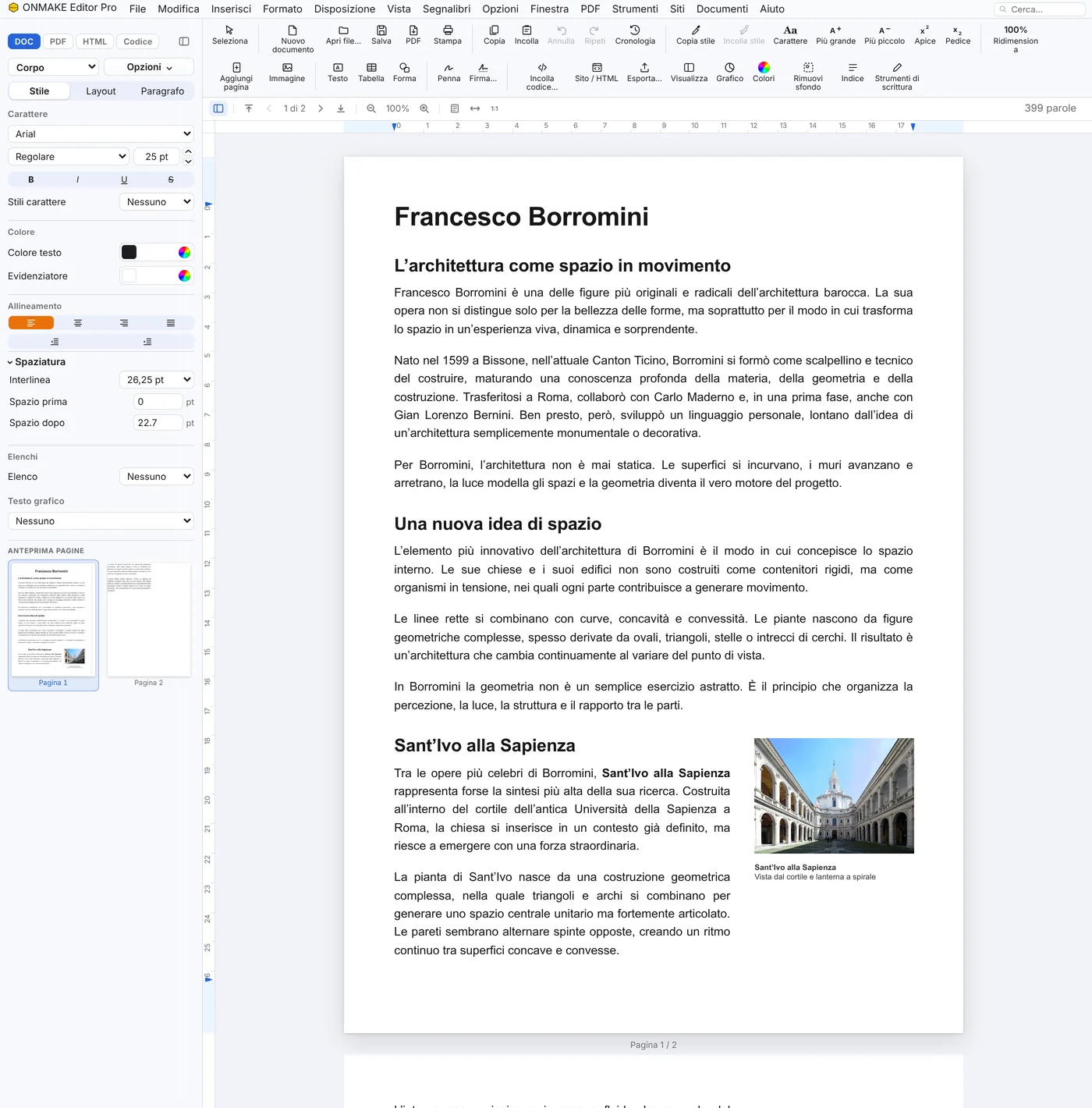
The same document, identical in every version of the Editor: the HTML page, the same page in Word and PDF, and Ultra’s spreadsheets.

| A | B | C | D | |
|---|---|---|---|---|
| 1 | Item | Qty | Price | Total |
| 2 | Survey | 2 | 450 | 900 |
| 3 | Design | 1 | 1,800 | 1,800 |
| 4 | Report | 1 | 600 | 600 |
| 5 | Site visit | 3 | 120 | 360 |
| 6 | Total | 3,660 |
| Feature | Editor HTML | Editor Pro | Editor Ultra Coming soon |
|---|---|---|---|
| Opens, writes and saves HTML | yes | yes | yes |
| Code and page side by side | yes | yes | yes |
| Page size and margins | yes | yes | yes |
| Print preview and export to PDF | yes | yes | yes |
| Export to Word (.docx) | ✕ | yes | yes |
| Paged documents with sections and headers | ✕ | yes | yes |
| PDF editing: text, signature, pen, redaction | ✕ | yes | yes |
| Opens Word (.docx) and exports it back | ✕ | yes | yes |
| Saves as PDF/A for archiving and checks it | ✕ | yes | yes |
| Opens electronically signed files, checks the signature and reads XML invoices | ✕ | yes | yes |
| «Dynamic HTML» with the button that stops the motion | ✕ | yes | yes |
| Spreadsheets and tables | ✕ | ✕ | coming next |
The principle
Many PDF editors don't modify the document: they add an annotation on top of it. The "deleted" text stays in the file, and can be recovered with suitable tools. ONMAKE Editor Pro instead acts on the file's actual content, text, images, pages, objects and vectors, not on an overlay.
The rectangle covers the text visually, but the original content stays in the file and can resurface with suitable tools.
Text, images or pages that are removed are no longer in the file: they cannot come back visible in any way.
Three tiers, one document
ONMAKE Editor HTML is the suite's entry product; ONMAKE Editor Pro is its advanced version. ONMAKE Editor Ultra will add spreadsheets. Same account, same principle, more capability.
Available from October 30, 2026, 12:00 PM
Explore Editor Pro →


Account
ONMAKE Editor requires registration: documents stay tied to your ONMAKE account, the same account that also works for OnFirma and xTdC. No separate profile is needed for each product.
It opens from ONMAKE APP with your ONMAKE account.
How to start
You don't need a different account from the one you already use for OnFirma and xTdC.